The Ford App
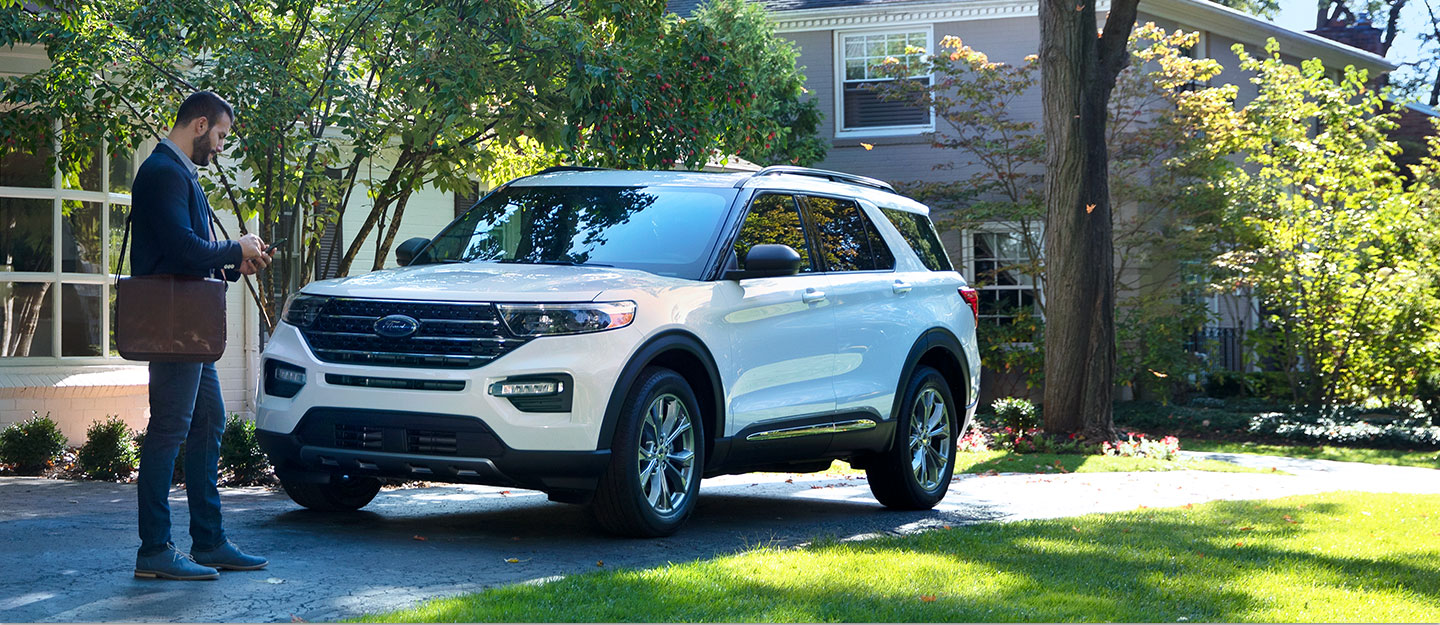
Connect, Control, and Customize Your Ford Vehicle
The Ford app is everything you need to elevate your Ford ownership – all in one place.
Access complimentary features like remote start, lock and unlock, and vital vehicle information.*
Plus, you’ll earn Points when you buy or lease a new vehicle†† or get service at our dealership with Ford Rewards.
Download the Ford App* join Ford Rewards† and enjoy all the benefits it has to offer.


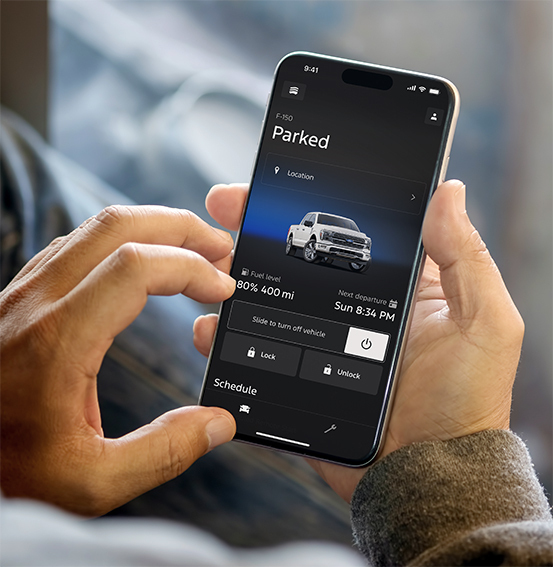
The Ford App is Your Gateway to More
Access complimentary remote features, check your fuel level, schedule service, and more with support that’s just a tap away.*
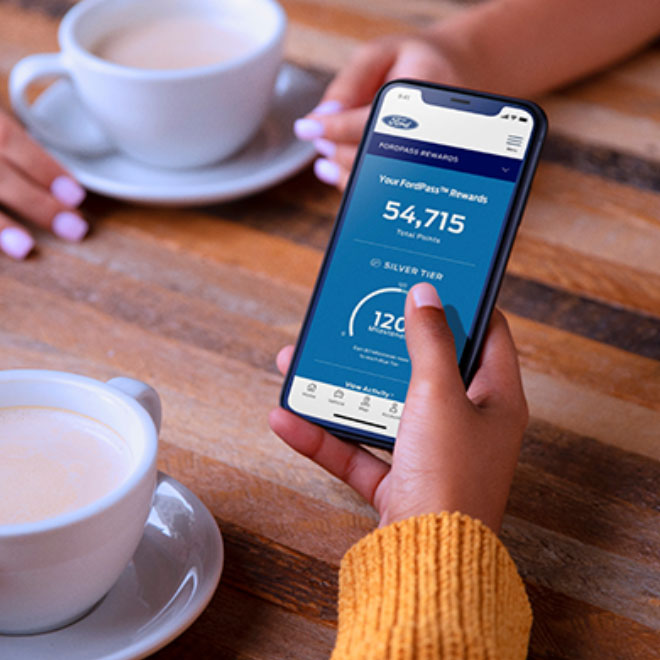
Ford Rewards is More Rewarding in Every Way
With Ford Rewards, earn and redeem Points† for many of the things you already do with us, including vehicle service and maintenance. You’ll even earn 31,000 Points†† when you buy or lease a new vehicle – a value over $150. Use these Points as you see fit toward future service, accessories and even your next new Ford vehicle. The choice is yours.
Plus, now unlock exclusive benefits when achieving Milestones† with three membership Tiers.
Download Ford App.
Get in on the benefits by downloading the Ford App* and start earning Ford Rewards† today.
*The Ford app, formerly known as the FordPass® app, compatible with select smartphone platforms, is available via a download. Message and data rates may apply. Terms apply. Evolving technology/cellular networks/vehicle capability may limit or prevent functionality. An activated vehicle modem, and the Ford app are required for remote features. Remote features may vary by model. Visit ford.com for our privacy notice.
†Must have an activated Ford Rewards (formerly known as FordPass® Rewards) account within 60 days of service invoice date to receive Ford Rewards Points. Points are not redeemable for cash and have no monetary value. Point earning and redemption values are approximate and vary by products and services redeemed. Earn Points for the purchase of Ford, Motorcraft®, or Omnicraft™ parts and associated labor at a participating Ford Dealership. See Ford Rewards Terms and FAQs at FordRewards.com regarding expiration, redemption, forfeiture, and other limitations on Ford Rewards Points.
††Within 60 days of vehicle sale, you must activate your modem through the Ford app (formerly known as the FordPass® app), activate your Ford Rewards account, and set your preferred Ford Dealer to receive Points and one Tier Activity. Visit a participating dealer for details.
What Is the Ford App?
The Ford App (commonly known as FordPass™) is a mobile platform that helps you manage key parts of Ford ownership from your phone. It’s designed to make everyday driving around Williamsburg easier — whether you’re commuting, heading down I-64, or planning weekend trips. You can access remote vehicle controls (on supported vehicles), view important vehicle information, get maintenance reminders, and connect with CMA’s Williamsburg Ford for service.
Stay connected to your Ford with the Ford App (FordPass™) — remote features, vehicle health alerts, service scheduling, roadside assistance, and more. Get local support from CMA’s Williamsburg Ford serving Williamsburg, VA and nearby areas like Toano, Lightfoot, James City County, Yorktown, and Newport News.
Need help setting up the Ford App? Our team can help you connect your vehicle, confirm feature availability, and show you how to use it day-to-day.
Top Ford App Features for Williamsburg-Area Drivers
Remote Start, Lock & Unlock
Start your vehicle (where equipped), lock/unlock doors, and locate your vehicle right from your phone. It’s a convenient feature for hot Virginia summers or cold mornings before work and school.
Vehicle Health Alerts & Maintenance Reminders
Keep tabs on important info like oil life, tire pressure warnings, and general vehicle status. Staying ahead of maintenance helps you reduce surprises and keep your Ford running strong.
Schedule Service at CMA’s Williamsburg Ford
When it’s time for an oil change, tire rotation, brake service, or factory-recommended maintenance, you can book online and stay on schedule. Our local team serves Williamsburg and nearby areas like Toano, Lightfoot, Yorktown, and Newport News.
Roadside Assistance
Flat tire, dead battery, or unexpected trouble? The Ford App can connect you to roadside support so you can get help fast — whether you’re near downtown Williamsburg, the College area, or on the road between York County and Newport News.
Trip, Fuel & Driving Insights
Review trip details, track mileage, and monitor helpful driving information that can support everyday planning and maintenance timing.
Voice Convenience with Ford + Alexa (Where Available)
On supported vehicles and setups, voice commands can add an extra layer of convenience when you’re busy at home or heading out the door.
Why Local Drivers Use the Ford App in Williamsburg, VA
The Ford App helps simplify ownership for drivers throughout Williamsburg and surrounding communities. From quick status checks before you hit the road, to booking service without a phone call, the app adds everyday convenience and helps you stay proactive with maintenance.
- Easy access to vehicle info and helpful alerts
- Convenient online service scheduling with our local team
- Remote features (on supported vehicles) to save time and add comfort
- Roadside support tools when you need extra peace of mind
How to Get Started with the Ford App
- Download the app from the Apple App Store or Google Play (search “FordPass”).
- Create or sign in to your Ford account.
- Add your vehicle using your VIN and follow the prompts to connect features (availability varies by model/year and equipment).
- Reach out to CMA’s Williamsburg Ford if you want help connecting your vehicle or learning how to use features day-to-day.